
Blog
On-Page SEO Checklist for Better Website Optimization

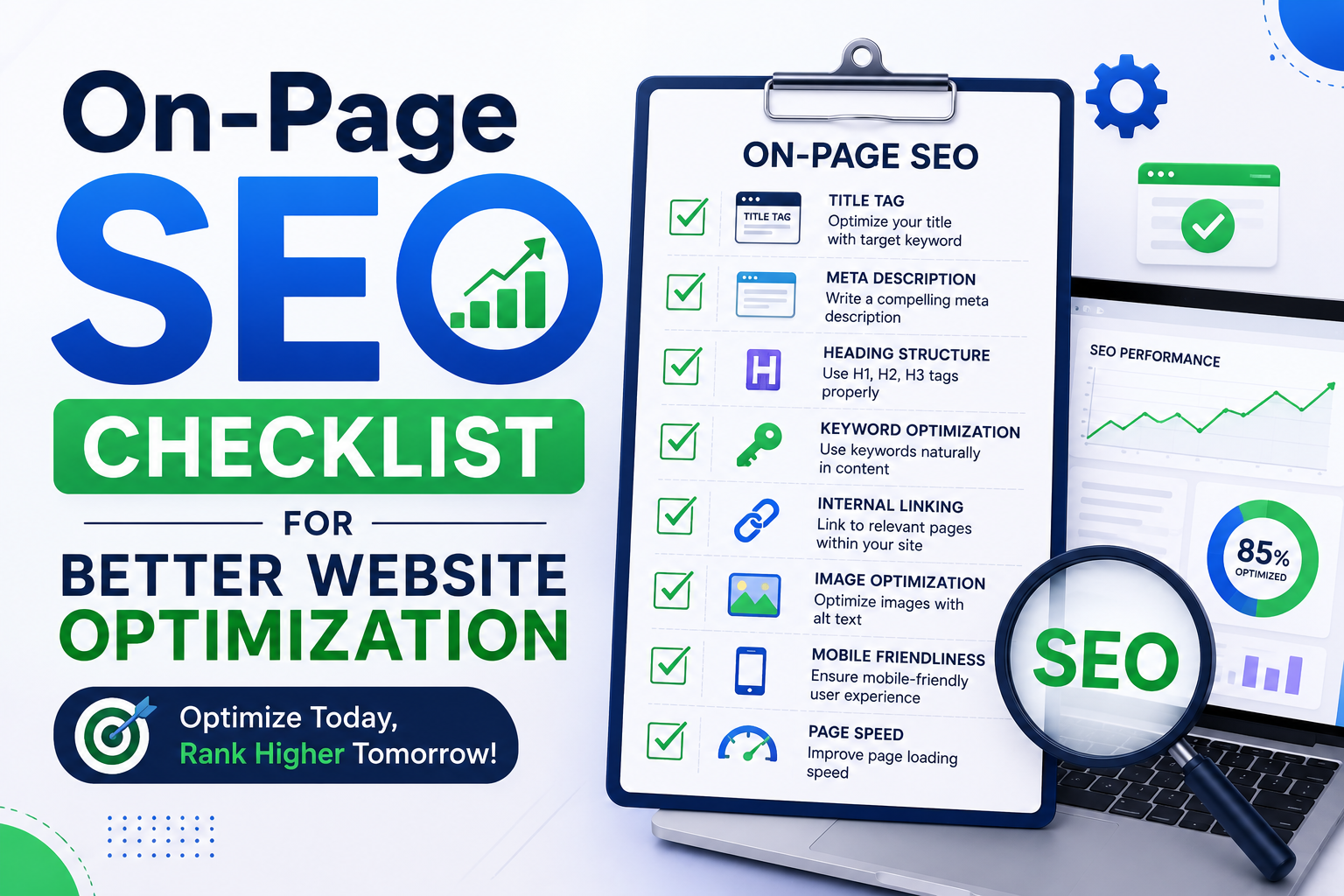
On-Page SEO Checklist for Better Website Optimization
Introduction
Search Engine Optimization is essential for websites that want to improve online visibility and attract organic traffic. While SEO includes several areas, on-page SEO is one of the most important foundations of a successful optimization strategy.
On-page SEO focuses on improving individual web pages so that users and search engines can better understand the content. It includes title optimization, keyword placement, heading structure, content quality, internal linking, image optimization, URL structure, and user experience.
A website may publish useful information, but poor page optimization can make it difficult for search engines to identify the main topic. Similarly, confusing content structure or slow-loading images can create a frustrating experience for visitors.
Using an on-page SEO checklist helps marketers follow a consistent optimization process. Instead of randomly making changes, you can review important page elements before and after publishing content.
This guide provides a detailed on-page SEO checklist for better website optimization and explains how each element can support stronger search visibility and a better user experience.
1. Start With Proper Keyword Research
Every optimized page should have a clear topic.
Keyword research helps you understand how people search for information related to that topic. Before writing content, identify a primary keyword that accurately represents the main purpose of the page.
You should also research related phrases and audience questions.
For example, if your primary topic is “on-page SEO checklist,” related terms may include:
On-page optimization
SEO content checklist
Website optimization tips
On-page SEO factors
SEO page optimization
Do not select keywords only because they have high search volume. Consider relevance and search intent.
The best target keyword is one that closely matches your content and the needs of your target audience.
Long-tail keywords can also be useful because they are more specific and often represent clear user needs.
2. Understand Search Intent
Search intent is the purpose behind a search query.
Before creating or optimizing a page, understand what the user expects to find.
A person searching for “on-page SEO checklist” probably wants a practical list of optimization tasks. They may not be looking for a basic definition of digital marketing.
Content should match the expected purpose of the keyword.
Search intent is generally categorized as informational, navigational, commercial, or transactional.
Analyze the current search results for your target keyword. Look at the type of content ranking on the first page.
Are the results detailed guides, checklists, product pages, videos, or comparison articles?
Use this information to understand the preferred content format.
Matching search intent helps you create more relevant and useful content.
3. Create an SEO-Friendly Title Tag
The title tag is an important on-page SEO element.
It helps describe the page topic and may appear as the main clickable title in search results.
Your title should be clear, relevant, and engaging.
Include the primary keyword naturally when appropriate. Avoid repeating keywords unnecessarily.
For example:
Poor Title:
“SEO SEO Checklist Best SEO Optimization SEO”
Better Title:
“On-Page SEO Checklist for Better Website Optimization”
The second title clearly communicates the page topic.
Keep titles focused and avoid unnecessary words. Every important page should have a unique title.
Do not use the same title tag across multiple pages.
4. Write a Compelling Meta Description
A meta description provides a short summary of the page.
A well-written description can help users understand what they will find before clicking the search result.
Include the main topic naturally and clearly explain the benefit of visiting the page.
For example:
“Follow this practical on-page SEO checklist to optimize titles, content, internal links, images, and website pages for better search visibility.”
Avoid copying the same meta description across your entire website.
Each important page should have a unique description that matches its content.
Write for users rather than stuffing the description with keywords.
5. Use a Clear H1 Heading
The H1 heading represents the main page topic.
Your page should have a clear primary heading that accurately describes the content.
For a page targeting an on-page SEO checklist, the H1 may be:
“On-Page SEO Checklist for Better Website Optimization”
The H1 should be visible and easy to understand.
Avoid using unrelated phrases simply to make the heading creative.
Your main heading should immediately tell visitors what the page is about.
A logical H1 also supports a clear content structure.
6. Organize Content With H2 and H3 Headings
Long blocks of text can be difficult to read.
Headings and subheadings divide content into clear sections.
Use H2 headings for major topics and H3 headings for detailed subsections.
For example:
H1: On-Page SEO Checklist
H2: Content Optimization
H3: Keyword Placement
H3: Content Readability
H2: Image Optimization
H3: Image Compression
H3: Alt Text
This structure makes content easier to scan.
Users can quickly find relevant information, while search engines can better understand the relationship between sections.
Do not use headings only for font size or visual appearance. Headings should create a logical hierarchy.
7. Create Helpful and Original Content
Content quality is central to successful on-page SEO.
Your page should provide genuine value and directly answer the user's search query.
Avoid copying content from competitors.
Research the topic carefully and create your own structure, explanations, and examples.
Useful content should be clear, relevant, accurate, organized, and easy to understand.
Do not add unnecessary paragraphs simply to increase word count.
Every section should support the main topic.
Consider questions your audience may have and answer them within the article.
Adding practical examples can make complex topics easier to understand.
The goal is to create content that users find genuinely helpful.
8. Use Keywords Naturally
Keywords help define the topic of your page, but excessive repetition can reduce content quality.
Use your primary keyword naturally in important areas where it makes sense.
These areas may include the title, H1 heading, introduction, selected subheadings, body content, URL, and image alt text.
However, you should not force a keyword into every paragraph.
Use related phrases and natural language.
For example, instead of repeating “on-page SEO checklist” continuously, you can use phrases such as page optimization, SEO checklist, content optimization, and on-page factors.
Write for human readers first.
Natural keyword usage creates more readable and topic-focused content.
9. Optimize Your URL Structure
URLs should be simple and descriptive.
A clean URL helps users understand the page topic.
For example:
example.com/on-page-seo-checklist
This is better than:
example.com/page?id=8392&category=45
Keep URLs short when possible.
Remove unnecessary words and random characters.
Use hyphens to separate words.
Avoid changing existing URLs without a clear reason because URL changes may require proper redirects.
A consistent URL structure also helps maintain an organized website.
10. Add Relevant Internal Links
Internal links connect pages within your website.
They help users discover additional content and support a logical website structure.
For example, an article about on-page SEO may link to related guides about keyword research, internal linking, technical SEO, and image optimization.
Use descriptive anchor text.
Instead of writing “click here,” use text that explains the linked page.
For example:
“Learn more about technical SEO optimization.”
Internal links should be relevant and useful.
Avoid adding too many unrelated links.
When publishing a new article, identify older pages that can link to the new content. This can help improve content discovery.
11. Use External Links Carefully
External links direct users to other websites.
When appropriate, linking to reliable sources can provide additional context or support important information.
Choose trustworthy and relevant sources.
Avoid linking to spammy or unrelated websites.
External links should add genuine value to your content.
Regularly review important external links because web pages can move or become unavailable over time.
If an external source is no longer useful, update or remove the link.
12. Optimize Images
Images can improve content presentation and make articles more engaging.
However, large image files may slow down page loading.
Compress images before uploading them to your website.
Choose an appropriate file format and use descriptive file names.
For example:
on-page-seo-checklist.jpg
is more descriptive than:
IMG00987.jpg
Add useful alt text to important images.
Alt text should describe what the image represents.
For example:
“On-page SEO checklist for website optimization.”
Avoid adding keywords that do not accurately describe the image.
Image optimization supports accessibility, content clarity, and website performance.
13. Improve Content Readability
Online users often scan content before reading every detail.
Make your content easy to read.
Use short paragraphs, descriptive headings, simple language, and clear formatting.
Bullet points can help present multiple items clearly.
Avoid unnecessarily complicated words when simpler language communicates the same idea.
Use enough spacing between sections.
Important information should be easy to identify.
Read your content before publishing and remove repetitive sentences.
Strong readability improves the user experience and helps visitors understand your message more efficiently.
14. Add a Strong Introduction
The introduction is one of the first parts users read.
A weak introduction may cause visitors to lose interest.
Start by explaining the problem or topic clearly.
Tell readers what they will learn from the page.
Avoid writing a very long introduction that delays the main information.
For example, an article about an on-page SEO checklist should quickly explain why page optimization matters and what the checklist covers.
A focused introduction sets clear expectations and encourages users to continue reading.
15. Optimize for Mobile Users
Your page should work properly on mobile devices.
Text should be readable without zooming.
Buttons and links should be easy to tap.
Images should fit different screen sizes.
Avoid horizontal scrolling and overlapping content.
Test your pages on multiple devices whenever possible.
A responsive design automatically adjusts page elements according to screen size.
Mobile optimization is important for both user experience and overall website performance.
16. Improve Page Loading Speed
Slow pages can frustrate users.
Large images, unnecessary scripts, excessive plugins, and heavy website resources can affect loading speed.
Compress image files and remove unused website elements.
Review plugins and third-party scripts regularly.
Use performance testing tools to identify page speed problems.
Pay attention to Core Web Vitals and important loading metrics.
Improving website speed can create a smoother experience and make content easier to access.
17. Add Schema Markup When Relevant
Schema markup is structured data that provides additional information about page content.
Different schema types are available for articles, products, organizations, events, recipes, and other content.
FAQ schema may be appropriate for some pages containing frequently asked questions, depending on current search feature eligibility and guidelines.
Use structured data only when it accurately represents visible page content.
Avoid adding misleading schema.
Test structured data to identify implementation errors.
Proper schema markup can help search engines better understand page information.
18. Check for Broken Links
Broken links can create a poor user experience.
Before publishing or updating content, check internal and external links.
Make sure links lead to the correct pages.
If an internal page has permanently moved, use an appropriate redirect.
Remove links that no longer provide value.
Regular link checks are especially important for older articles.
A website with properly maintained links is easier for users to navigate.
19. Add a Clear Call to Action
A call to action tells users what they can do next.
The appropriate CTA depends on the purpose of your page.
Examples include:
Read a related article.
Contact the business.
Request a quote.
Subscribe to a newsletter.
Explore a service.
Download a resource.
The CTA should be relevant to the page content.
Avoid overwhelming users with too many competing actions.
A clear next step can improve user engagement and support website goals.
20. Review the Page Before Publishing
Before publishing, complete a final on-page SEO review.
Check the title, meta description, headings, keyword usage, content quality, URLs, internal links, images, and mobile experience.
Proofread the content for spelling and grammar mistakes.
Test all important links.
Review the page layout on desktop and mobile devices.
Make sure the page matches the target search intent.
A final review can identify small problems before the page becomes publicly available.
Complete On-Page SEO Checklist
Use this quick checklist before publishing a page:
Choose a relevant primary keyword.
Understand search intent.
Optimize the title tag.
Write a unique meta description.
Use a clear H1 heading.
Organize sections with H2 and H3 headings.
Publish original and helpful content.
Use keywords naturally.
Create a clean URL.
Add relevant internal links.
Use trustworthy external links when necessary.
Compress and optimize images.
Write descriptive alt text.
Improve readability.
Check mobile responsiveness.
Improve page speed.
Add relevant structured data.
Fix broken links.
Add a clear call to action.
Review the complete page before publishing.
Frequently Asked Questions (FAQs)
1. What is on-page SEO?
On-page SEO is the process of optimizing individual website pages to improve content clarity, user experience, and search visibility. It includes titles, headings, content, URLs, links, and images.
2. Why is an on-page SEO checklist important?
A checklist helps ensure that important optimization elements are reviewed consistently before publishing or updating a page.
3. How many keywords should I use on one page?
There is no fixed number of keywords. Focus on one clear primary topic and naturally use relevant phrases that support the content.
4. Is the title tag important for SEO?
Yes. The title tag helps communicate the page topic and can influence how users understand and interact with a search result.
5. What is the difference between H1 and H2 headings?
The H1 represents the main page topic, while H2 headings organize major sections within the content.
6. Are internal links important for on-page SEO?
Yes. Internal links help users discover related pages and support a clear website structure.
7. Should every image have alt text?
Informative images should generally have useful alt text that describes their purpose. Decorative images may be handled differently for accessibility.
8. How often should I review on-page SEO?
Review important pages regularly, especially when information changes, performance declines, or content becomes outdated.
Conclusion
On-page SEO is an essential part of website optimization. A well-optimized page provides clear information, creates a better user experience, and helps search engines understand the main topic of the content.
Successful on-page optimization starts with keyword research and search intent. From there, marketers should create clear titles, useful meta descriptions, logical headings, and original content that directly answers user questions.
Technical page elements also matter. Clean URLs, optimized images, mobile responsiveness, page speed, internal links, and working links all contribute to a stronger website experience.
The purpose of an on-page SEO checklist is to create consistency. Instead of forgetting important optimization tasks, you can follow a structured process whenever you publish or update content.
SEO should never focus only on placing keywords. Modern website optimization requires useful content, clear organization, accessibility, and a strong understanding of user needs.
Use this on-page SEO checklist as part of your regular content workflow. Review pages carefully, monitor their performance, and continue improving content based on user needs and website data.
Consistent optimization can gradually strengthen search visibility, improve organic traffic, and create a more valuable website for both users and search engines.https://danishjamilseo.com/